P2P Overview
Users reach P2P from the P2P link on the exchange. These are the pages they see.
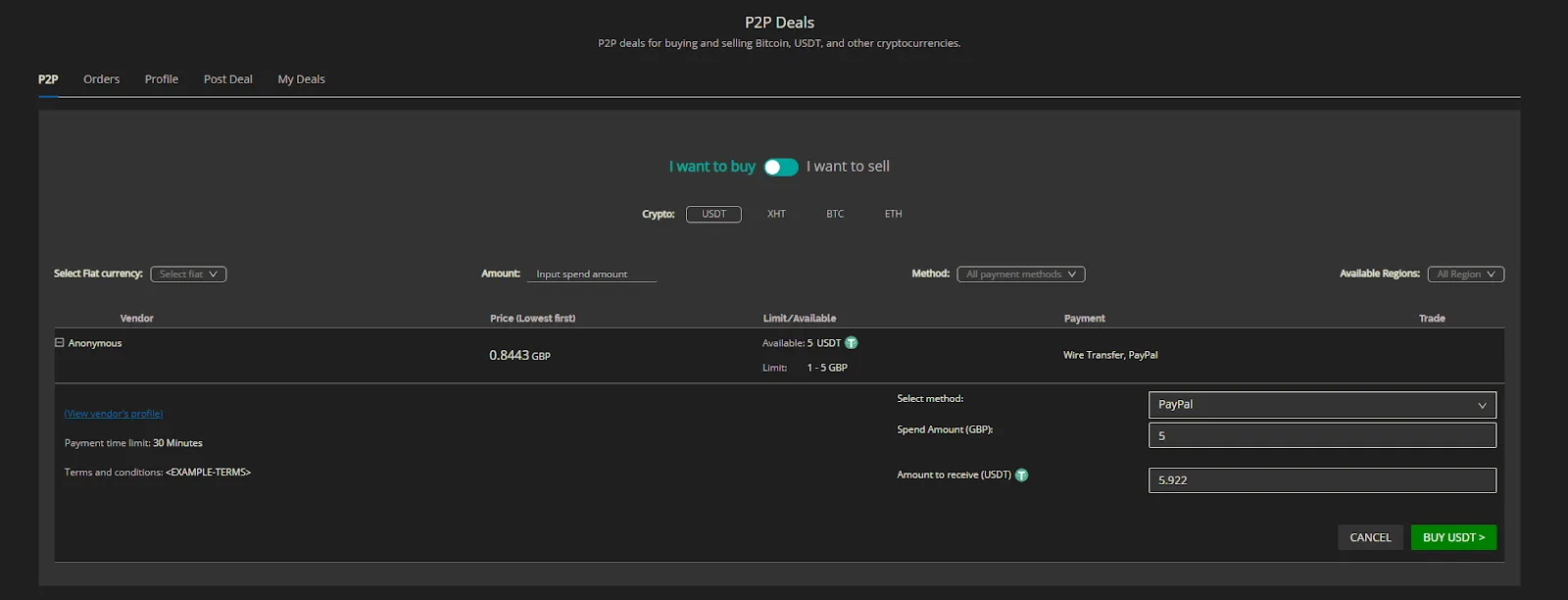
P2P
The marketplace. It lists every deal vendors have posted. Users browse the deals, see each deal's and vendor's details, and buy or sell.
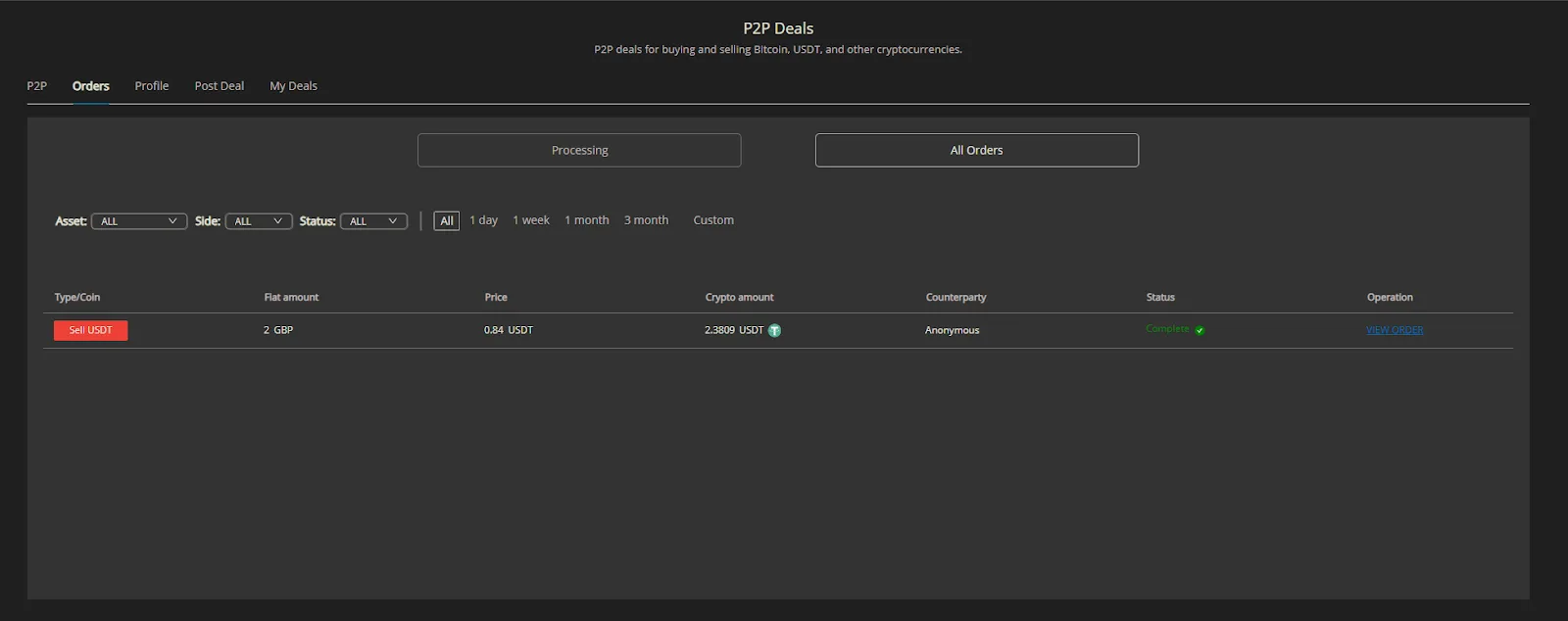
Orders
The user's active orders (not yet completed), where vendors confirm transactions, plus a history of past deals and their details.
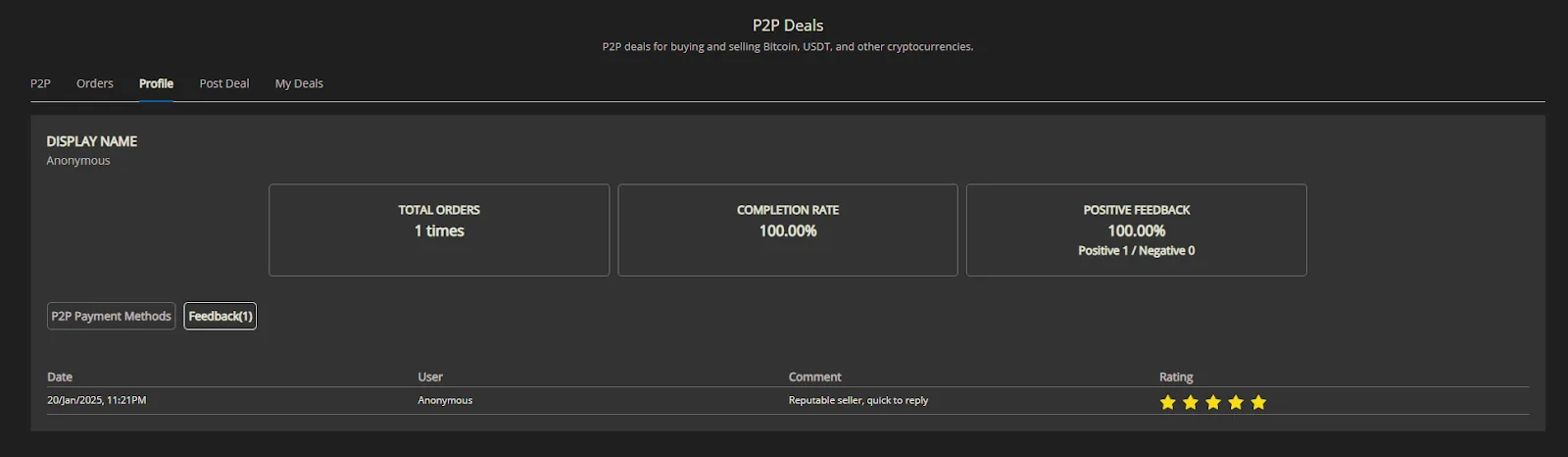
Profile
The user's P2P profile. Users add their payment methods here (bank details, payment apps and so on) and see feedback from the users they've traded with.
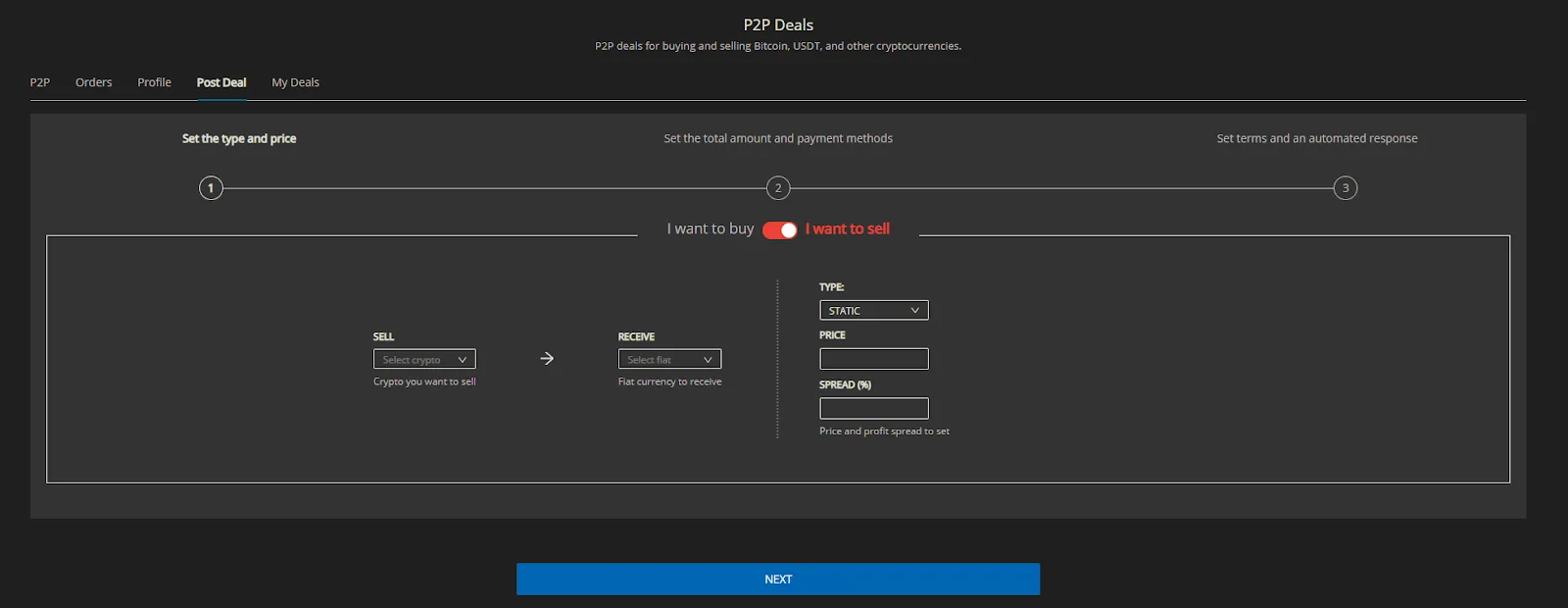
Post Deal
Where vendors create new deals for the crypto and fiat they choose. Only users at or above your vendor minimum tier see this tab. See P2P Vendor Flow.
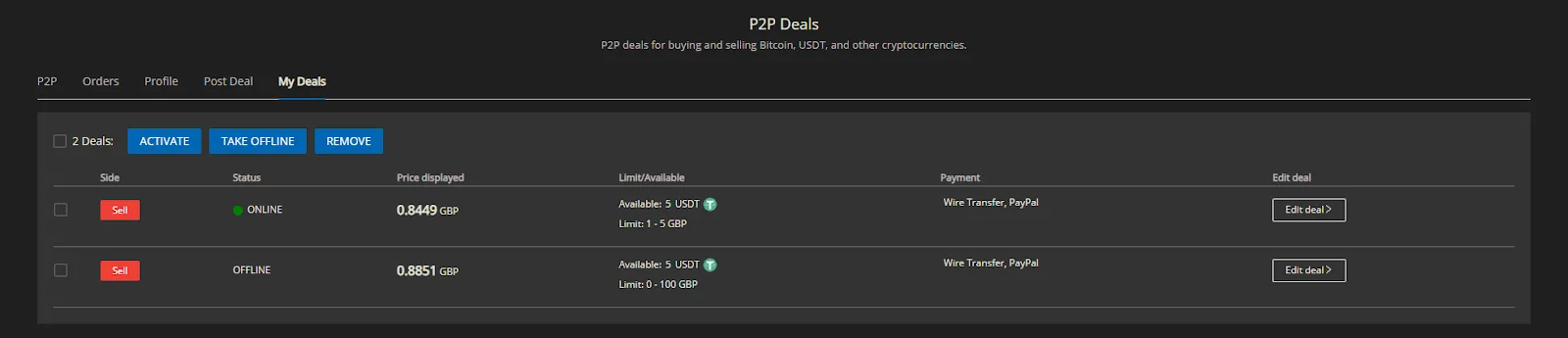
My Deals
The deals a vendor has created, where they can edit, pause or delete them.