Shared Accounts
Account sharing lets a user give other users on your exchange access to their account. The people it's shared with can view the account's assets and trade from it with their own logins, while the original holder stays the owner.
It's a high-trust feature, meant for family offices, business teams and similar networks. Users should only share their account with people they trust.
How users share an account
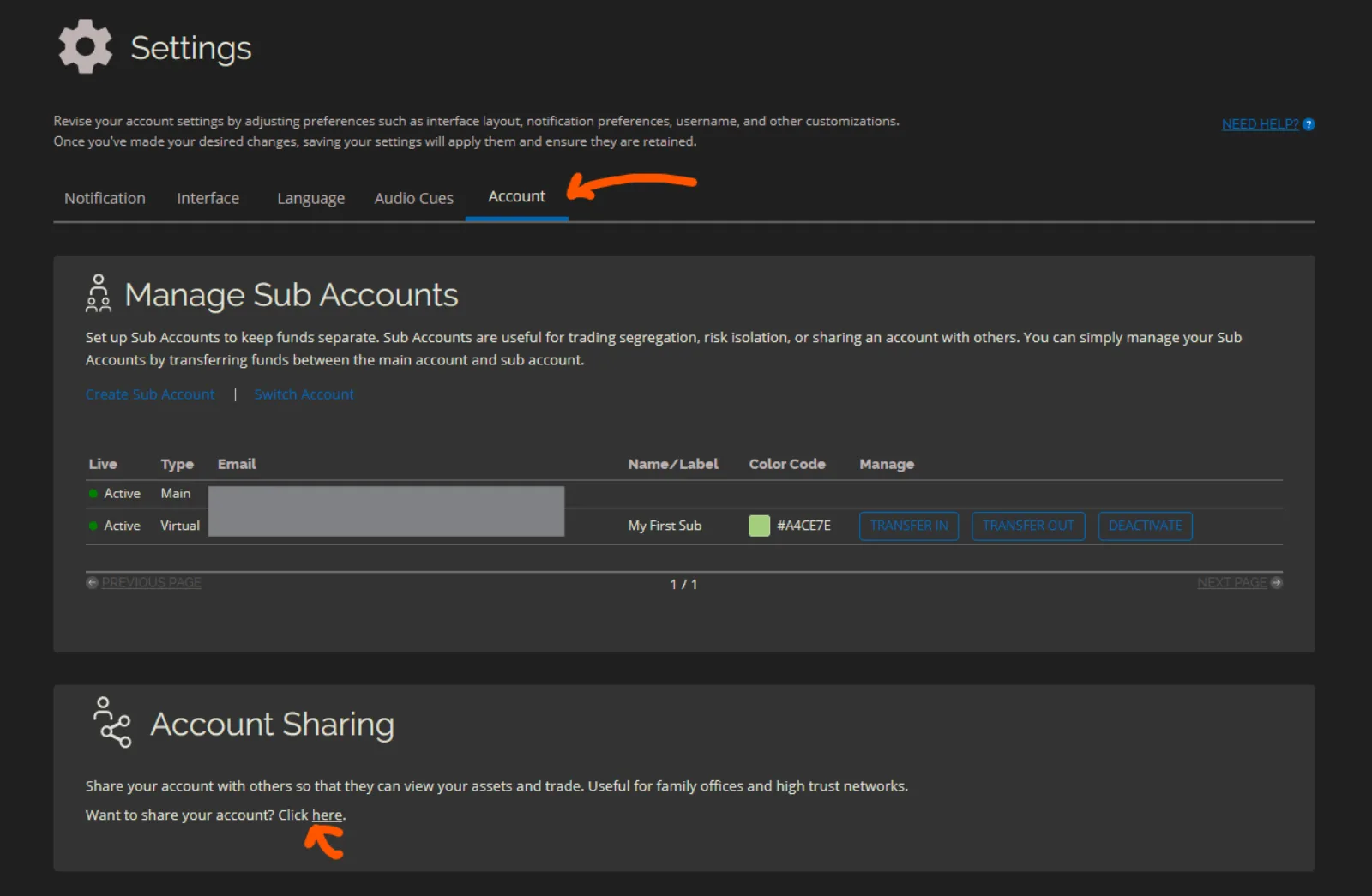
Users set up sharing themselves, from the Account Sharing card in their account settings on the exchange. The exchange warns them about the risks before they continue.
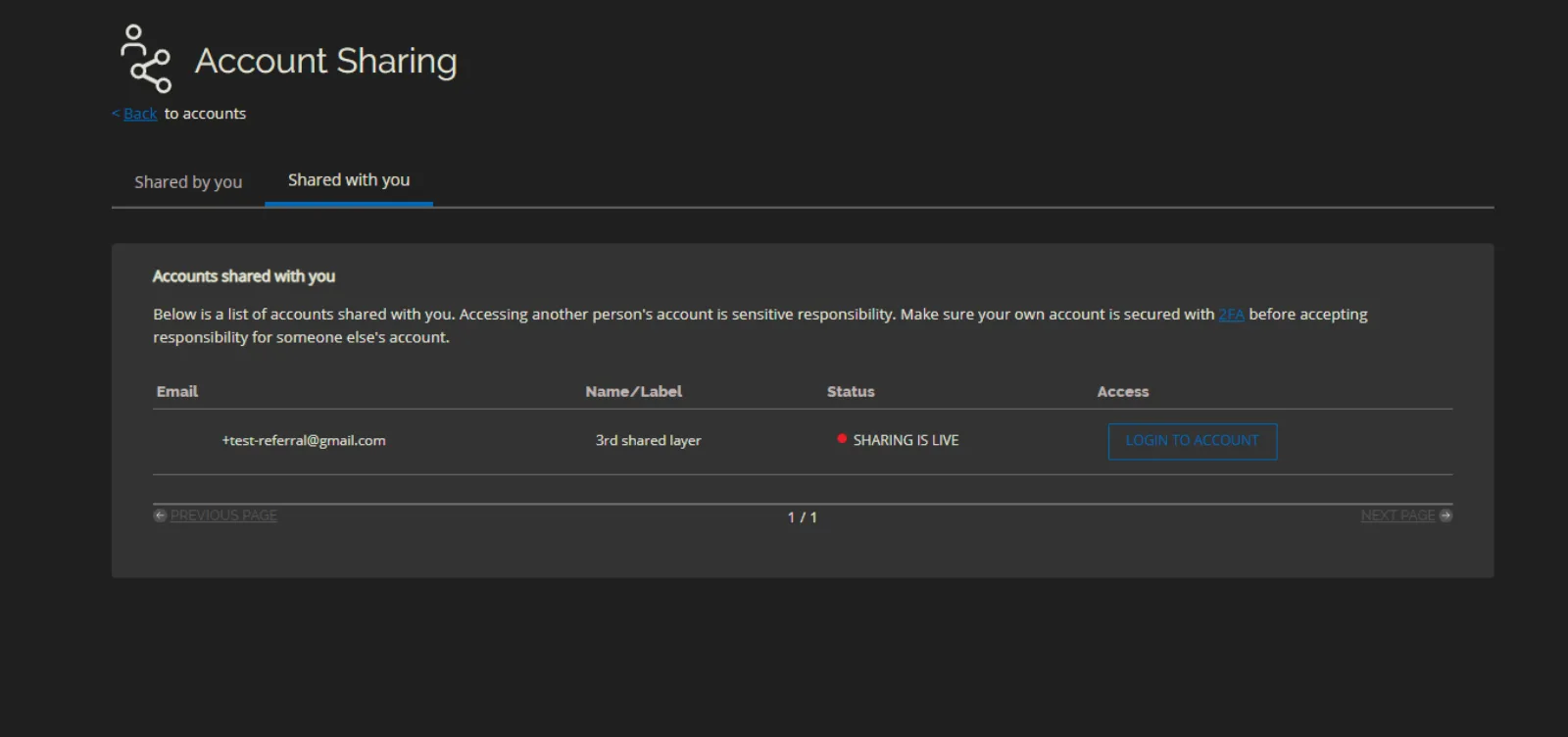
The sharing page has two tabs:
- Shared by you: the people the user has shared their account with, and their status.
- Shared with you: the accounts other users have shared with this user.
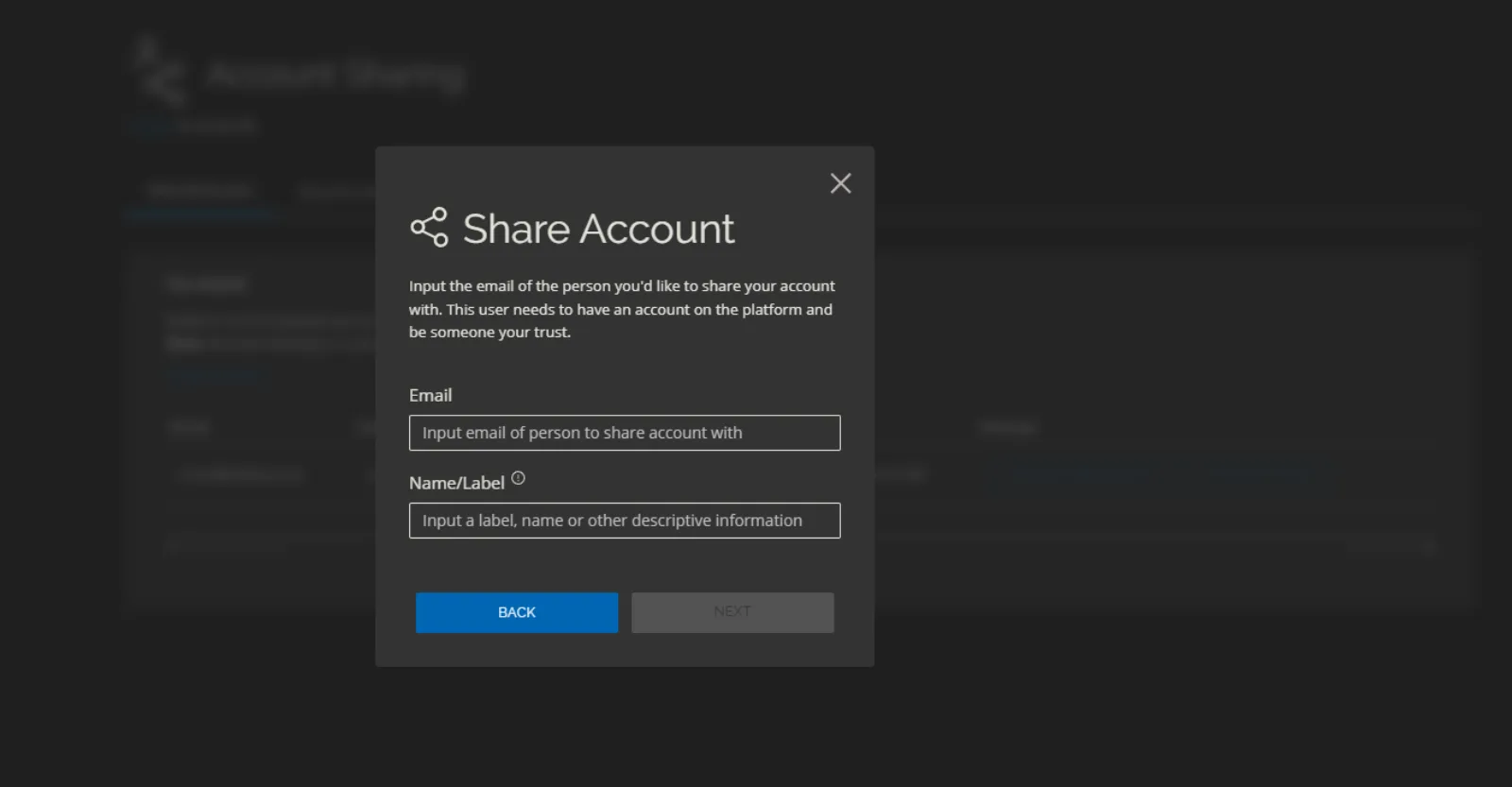
To share, the user enters the email of the other person, who must already have an account on your exchange, and adds a label.
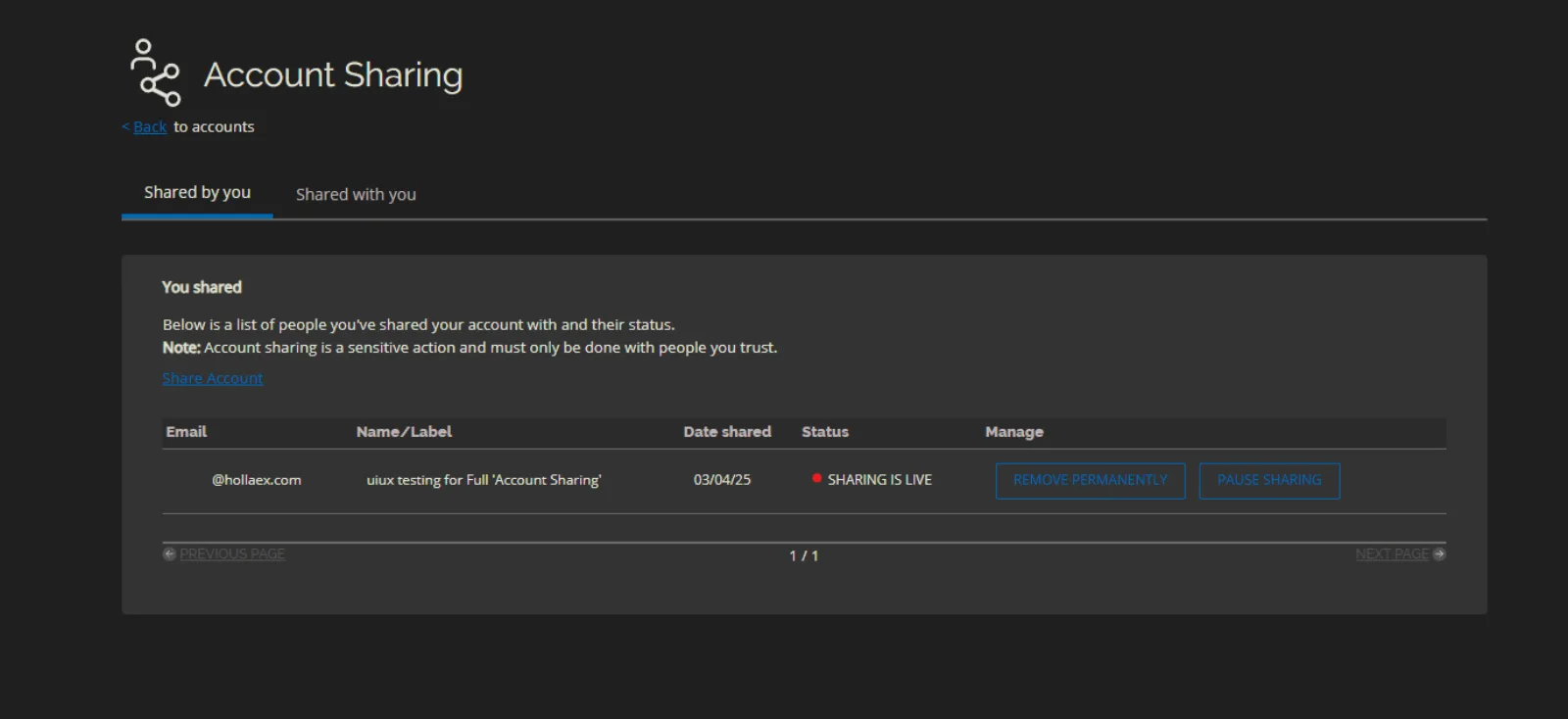
The person then appears under Shared by you, and can open the shared account from their own login.
While someone is using a shared account, the exchange shows that they're logged into a shared account.
Example: market making as a team
- Create a dedicated market-making account on your exchange.
- Share it with the members of your team.
- Each team member can monitor and adjust the market-making activity from their own login, while everything stays in one account.
Shared accounts or sub accounts?
- Use account sharing when several people need to work in the same account.
- Use sub accounts when one owner wants to split funds into separate accounts, or give someone access to only part of them.