Profit & Loss Tracking
Profit and loss (P&L) tracking shows users how the total value of their wallet changes over time, on one page. It helps them see which strategies are working.
Turn on P&L tracking
- Go to Operator Controls → Exchange → Configuration → Features.
- Turn on Profit/Loss Analytics and click Save.
- The first time, the Balance History Config window asks for a currency. This is the base currency used to calculate and display all profit and loss, normally a fiat currency or a stablecoin. Choose it carefully: it can't be changed after the exchange starts collecting the data.
The Features page lists Profit/Loss Analytics only on the Enterprise plan.
What users see
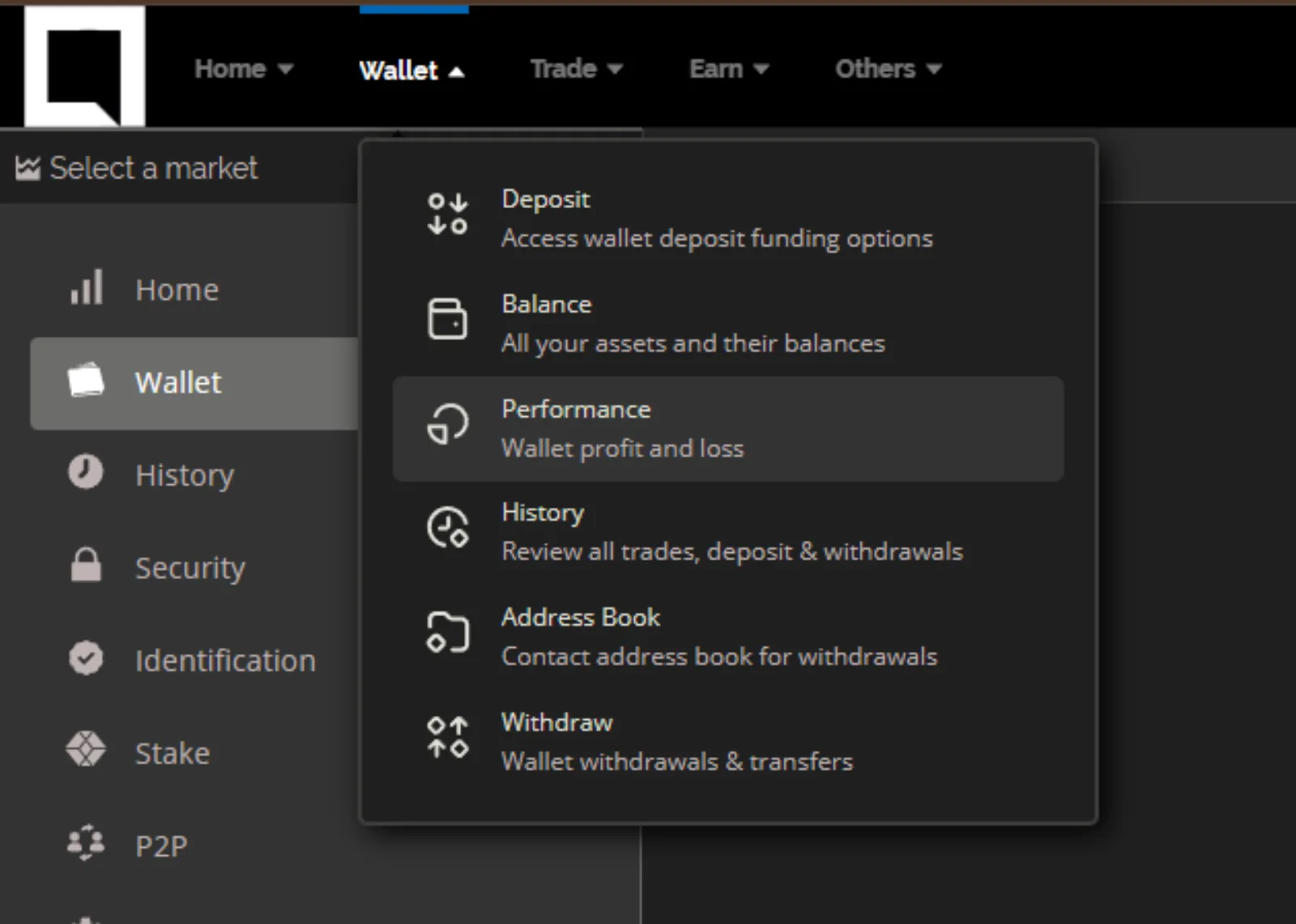
Users open Performance from the Wallet menu on the exchange.
The first tab is a chart of gains and losses over time. It reflects deposits and withdrawals as well as changes in the value of the assets in the user's wallet. Users can change the time range above the chart, and hover over a point to see the value at that time. The total shown is the value of all their assets, crypto and fiat, in the currency you chose.
The Balance History tab lists the user's assets and their amounts on any date in the available range, chosen with the date picker.