Adding Liquidity and Configuring the Bot
Before you start, it is important to add liquidity to your market making account (step 1). Once your bot is connected to your account, the liquidity on that account will be used to place orders on both the buy and sell side of your chosen orderbook market:
Market and price logic
-
Add enough liquidity for both buy and sell side (this example uses 2,000 USDT and a similar amount in BTC)
-
Select Trading Pairs:
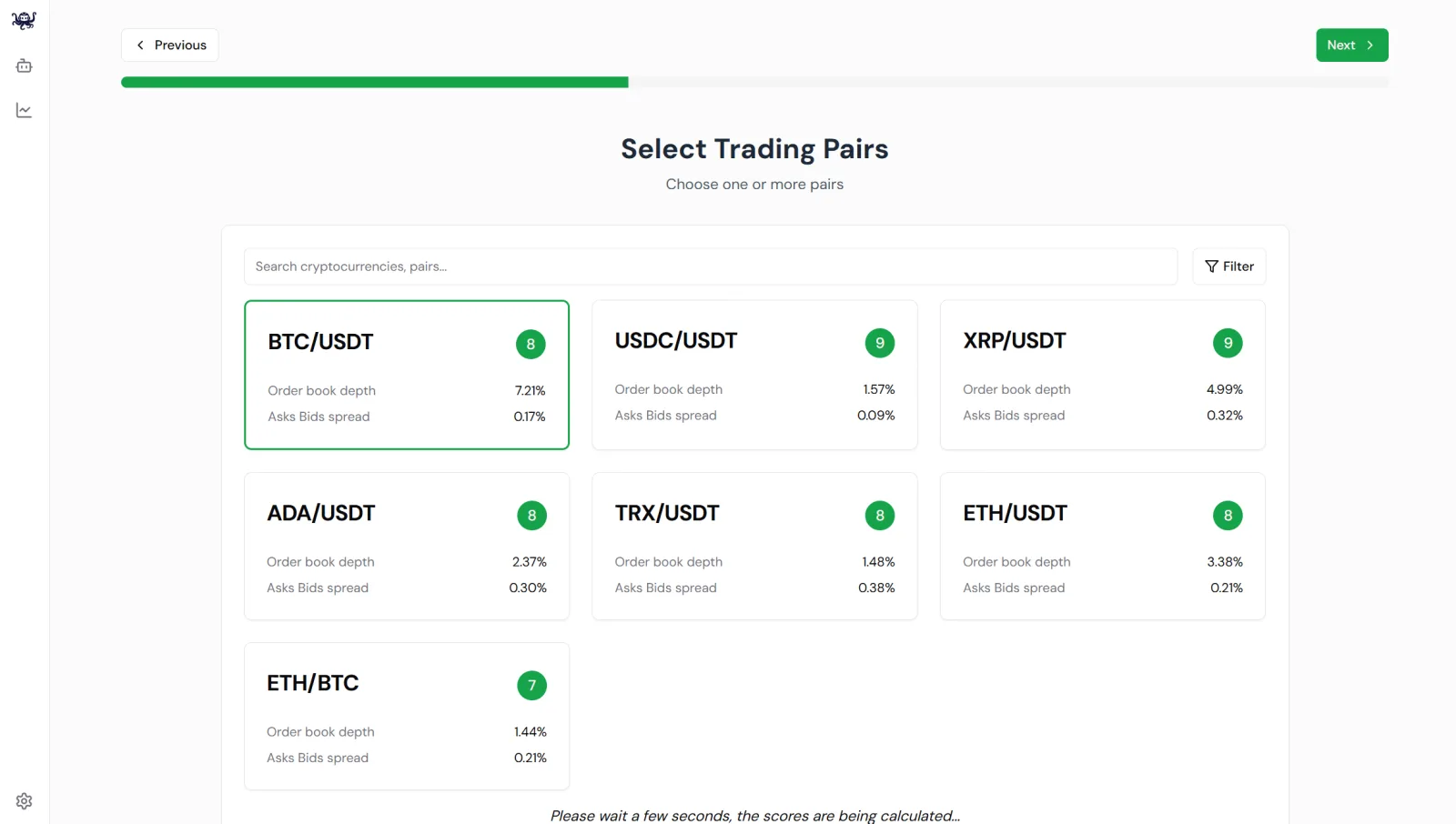
- Find the orderbook market you'd like the bot to work on.
- This example uses BTC/USD, but this could be your own market with your own token. Click 'Next >' at the top of the screen.
- Select a 'Reference Price', which lets your bot follow the price of another market. In this BTC/USDT example, the price follows BTC/USDT itself, but your bot could follow a different market dynamic, especially if it is a new coin.
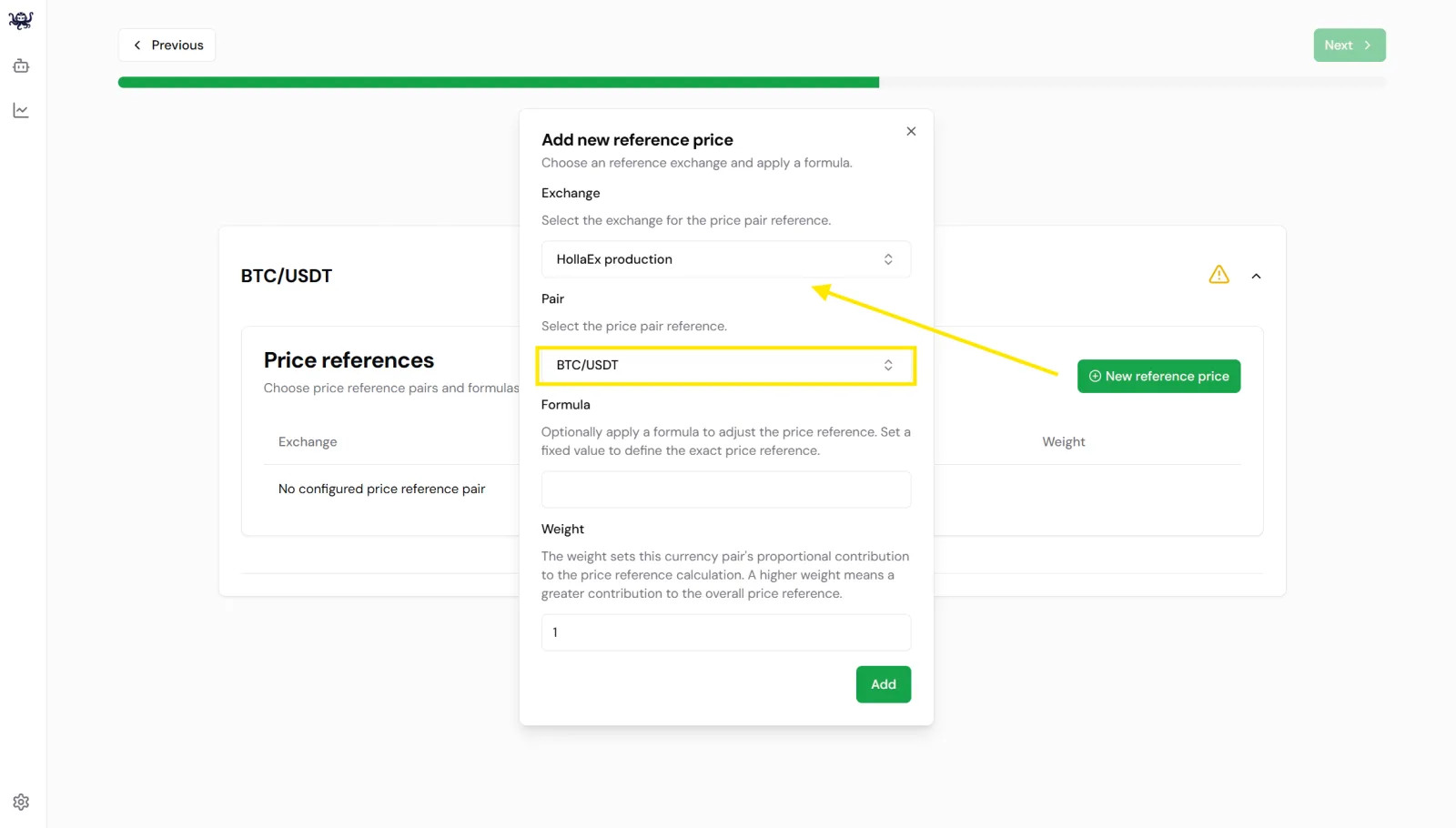
- Weight is useful if you'd like to blend different prices (BTC/USDT and BTC/USDC for example) to create a more stable price by mixing a collection of markets prices, or volatile by adding certain altcoin prices.
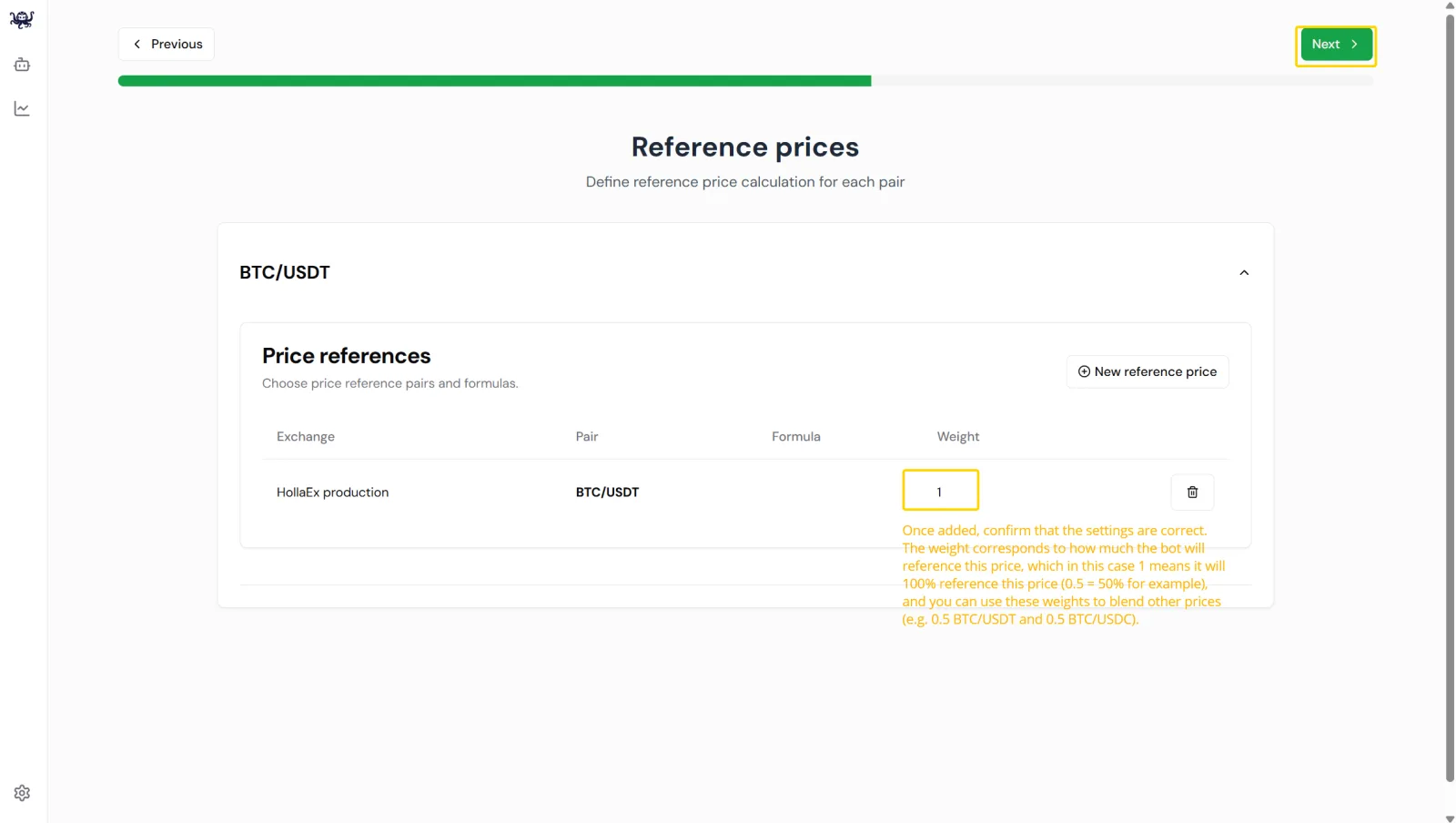 The weight corresponds to how much the bot will reference this price, which in this case 1 means it will 100% reference this price (0.5 = 50% for example), and you can use these weights to blend other prices (e.g. 0.5 BTC/USDT and 0.5 BTC/USDC).
Bot settings
- Configure Strategy Parameters:
-
Set orderbook spread, order size, and other rules.
-
Define maximum asset allocation for each trading pair. This needs funds in your market-making account on your exchange, preferably 50% to cover sells and 50% for buys. This example uses about 2,000 USDT and the equivalent amount of BTC.
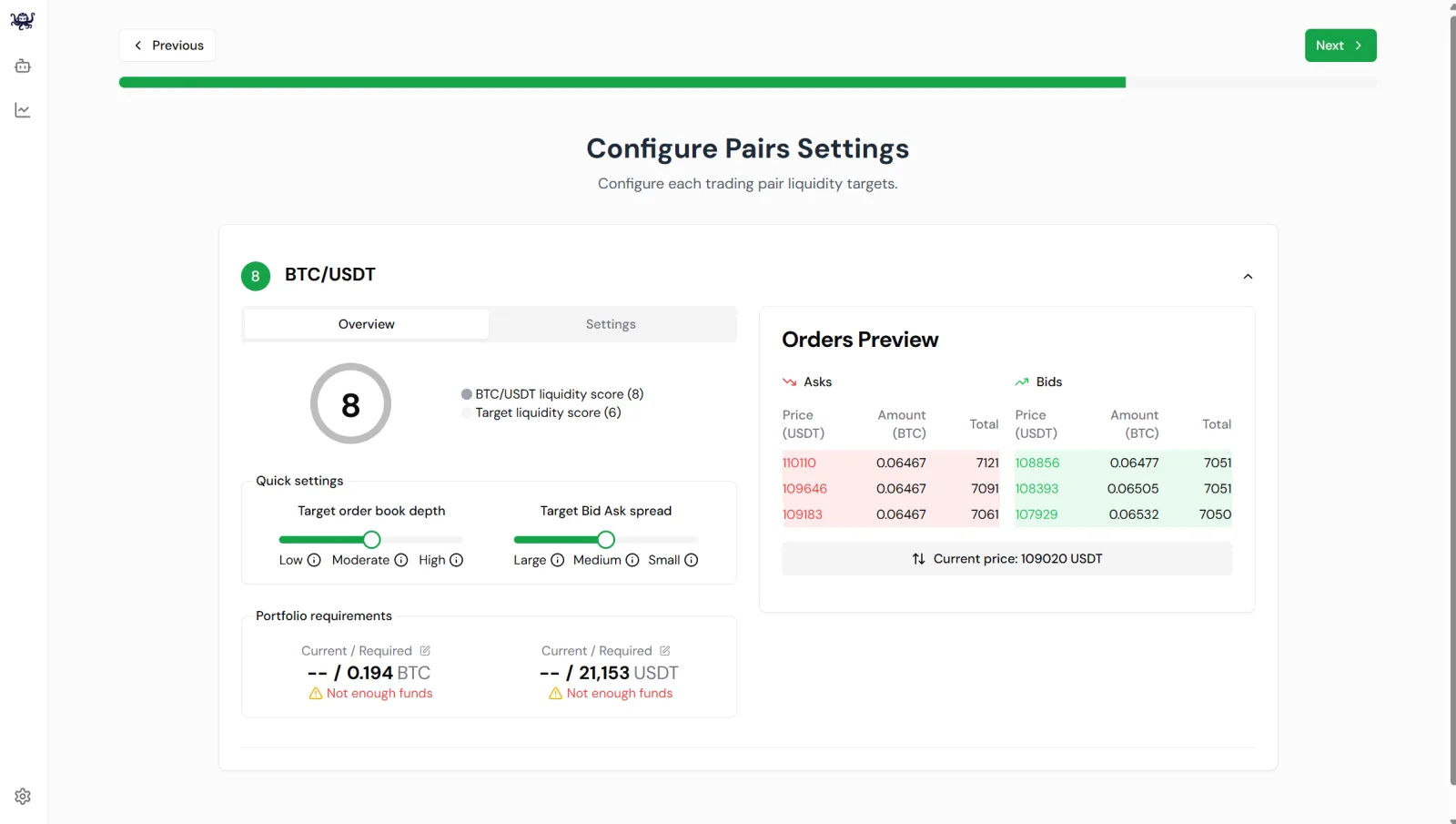 You can leave these settings as they are and adjust them later (see bot settings details).
- Start Your Bot
- Check that the settings are correct and hit 'Start the bot >' top of screen.
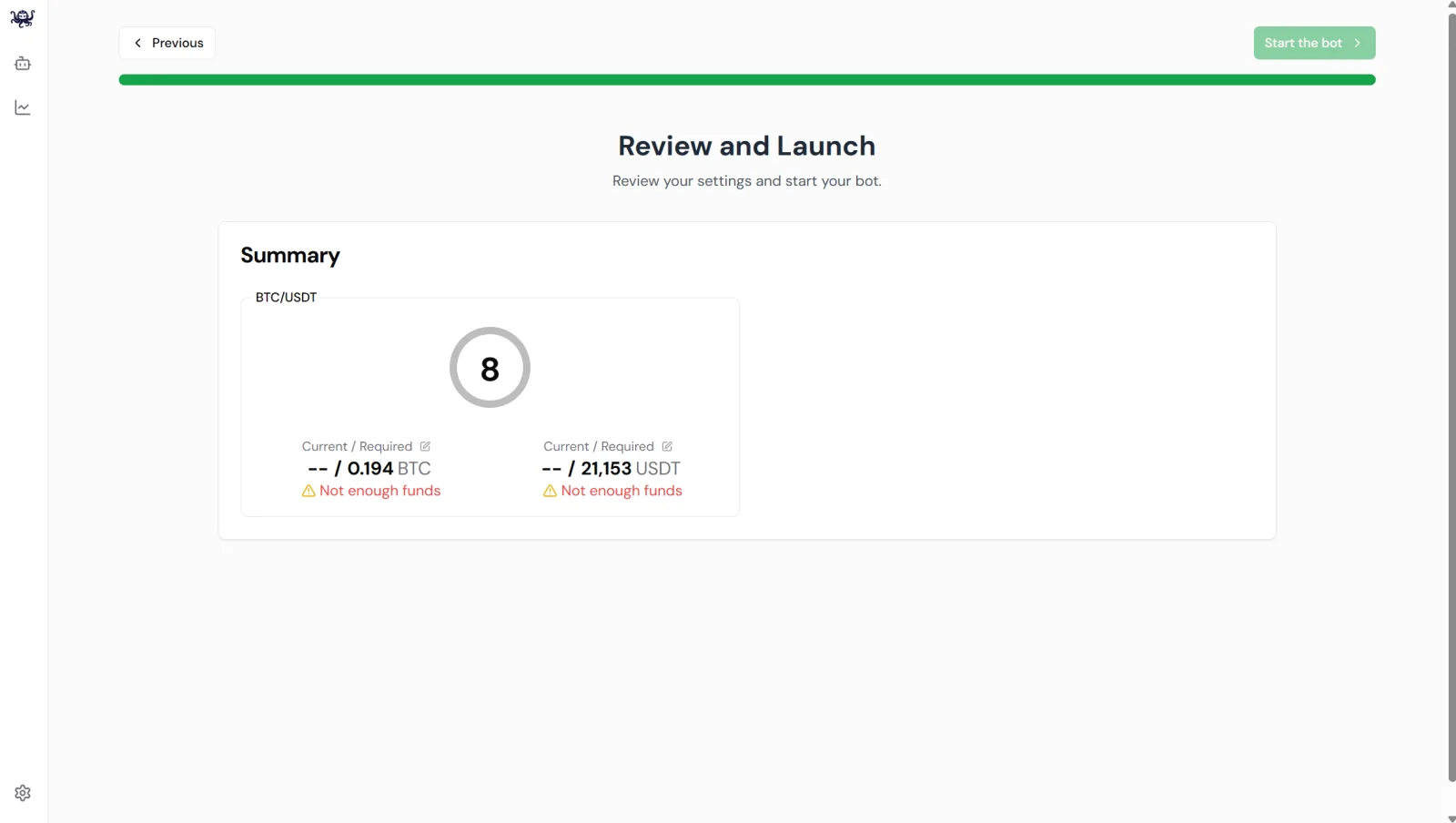 Be sure to add liquidity to your bot back on your exchange account created back at the very first step.
- OctoBot will begin placing and managing orders according to your configuration.
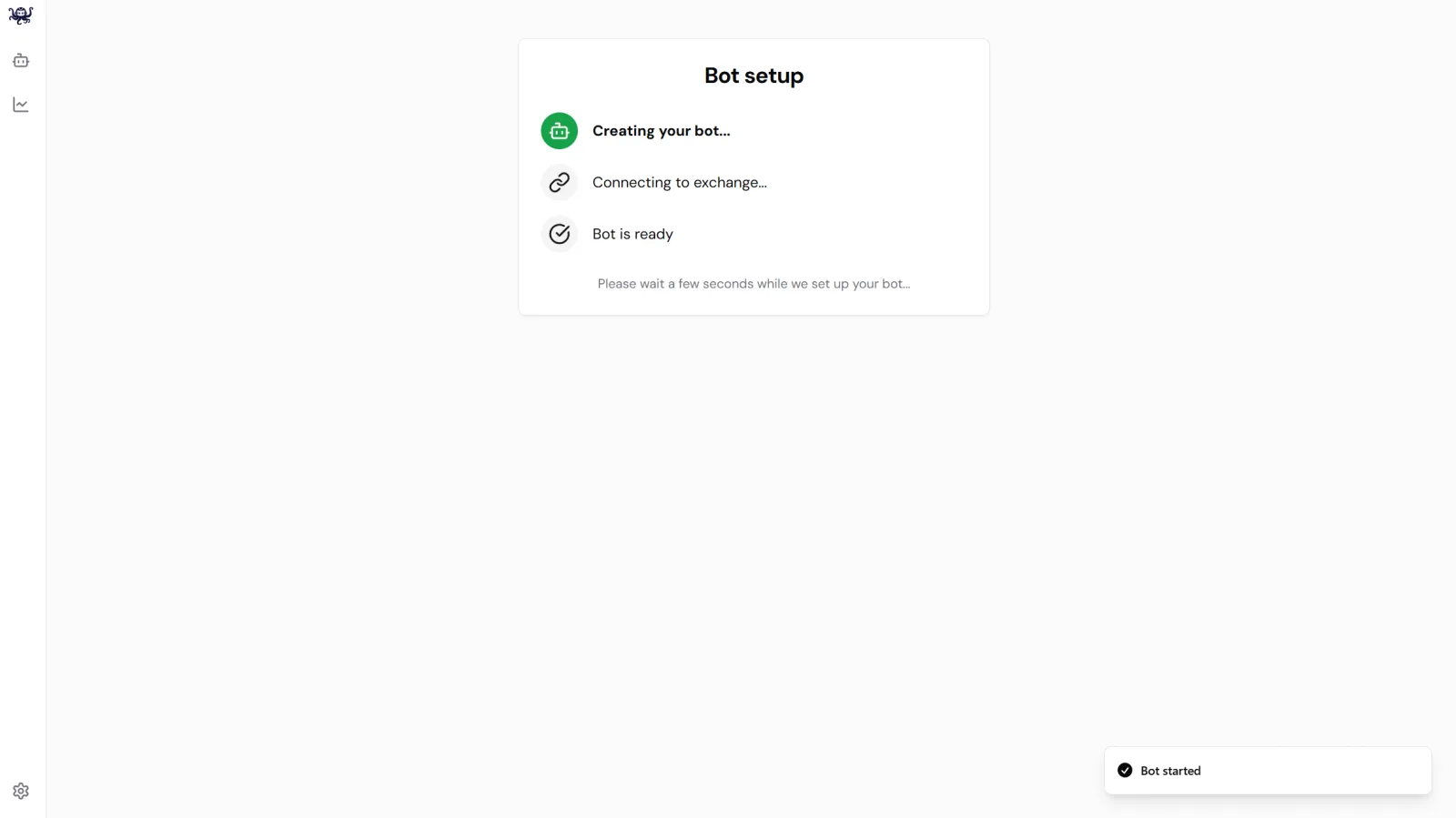 Give a little time for your bot to start up