Under Attack?
If someone (or something) is trying to attack your exchange, follow these steps to reduce the risk.
Cloudflare Turnstile
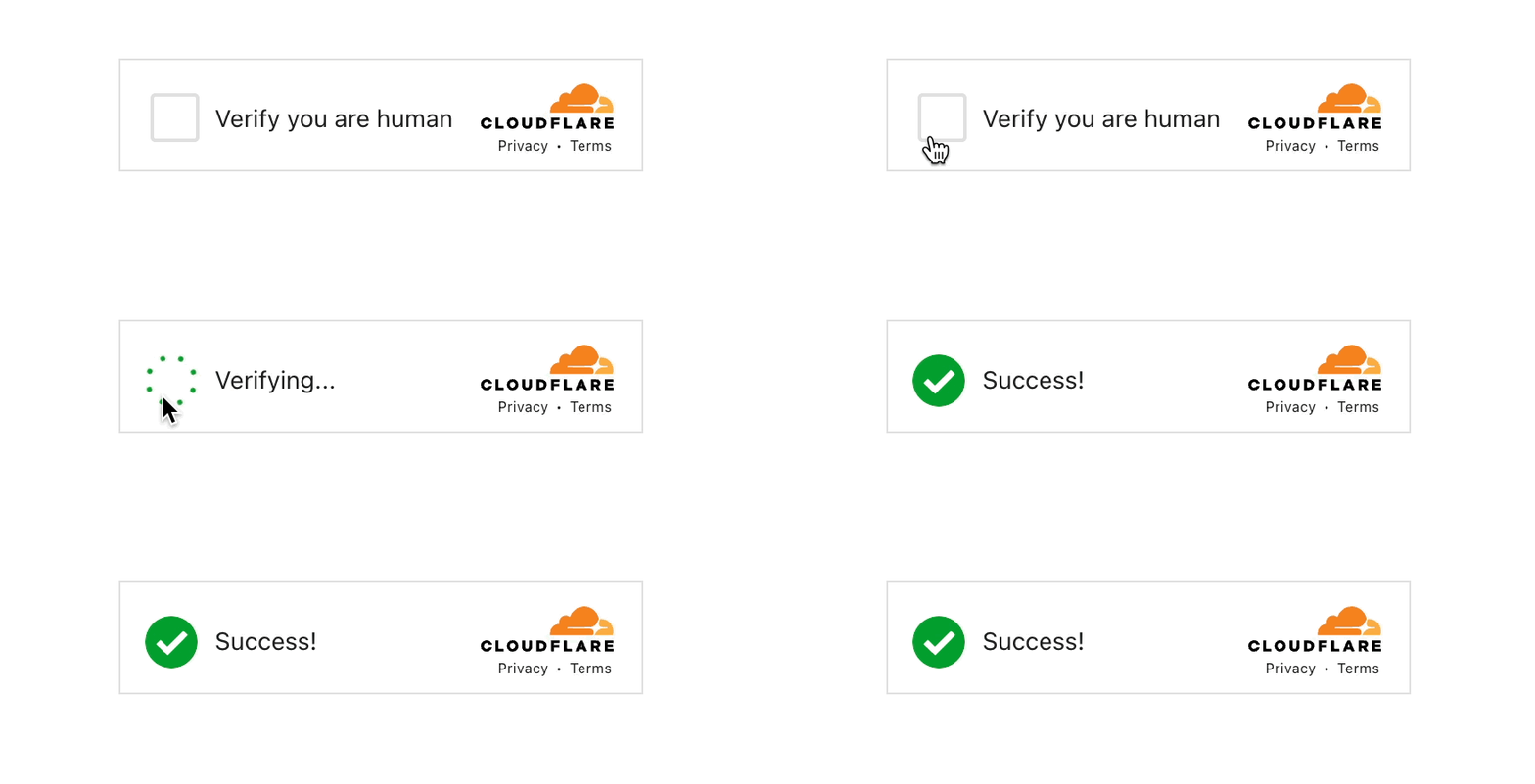
Cloudflare Turnstile is a free CAPTCHA that helps block malicious bots on your exchange. Turning it on protects your login, sign-up and password reset forms against brute-force attacks.
Setup
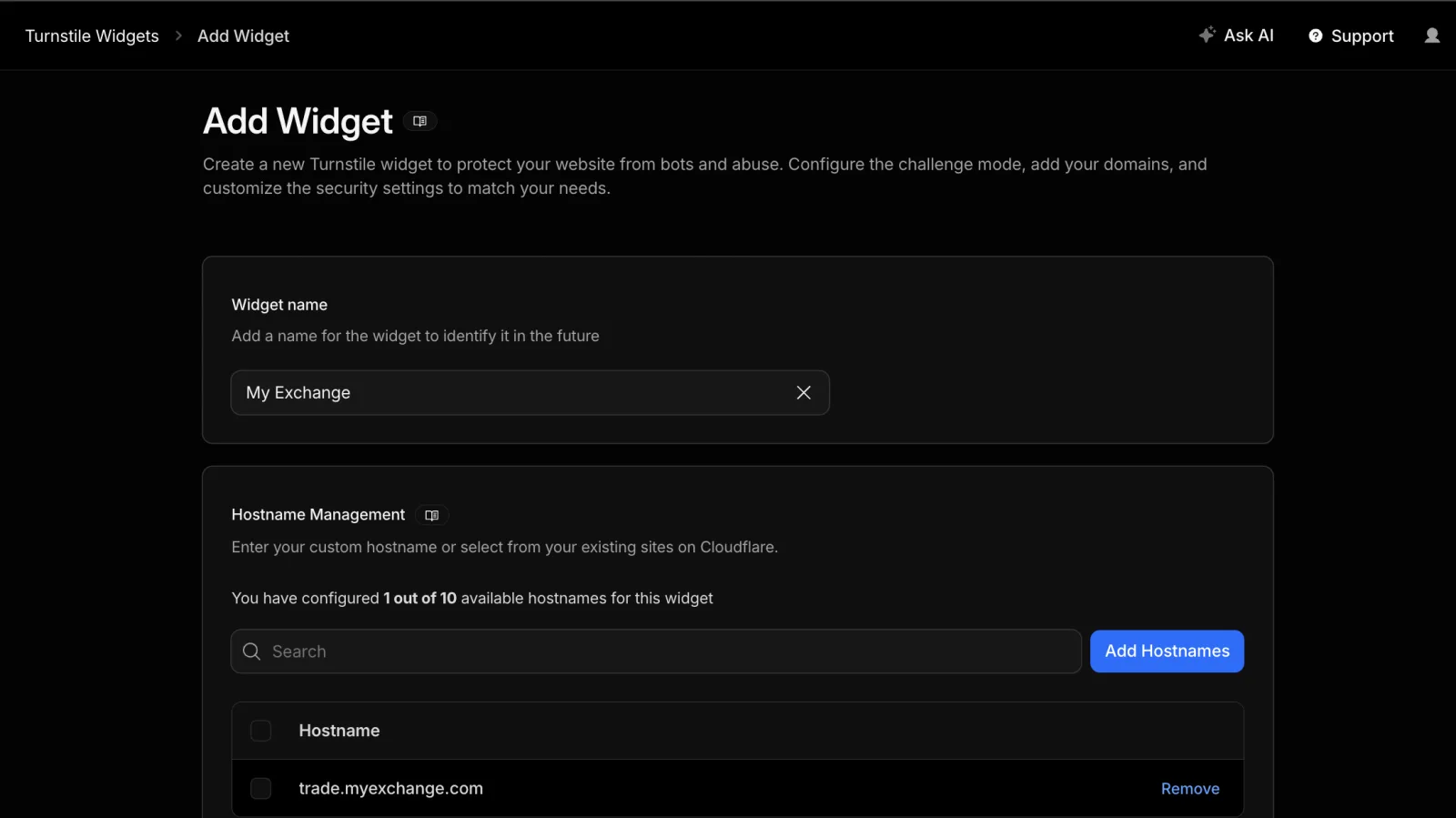
- In the Cloudflare dashboard, find Turnstile under Protect & Connect and create a new widget for your exchange's domains.
- Copy the site key and the secret key.
- In Operator Controls → Exchange → Configuration → Security, turn on Cloudflare Turnstile, enter both keys and save.
See Cloudflare Turnstile (Captcha) for the full setup.
Login Confirmation
Turn on Login Confirmation in Operator Controls → Exchange → Configuration → Security to help prevent account takeovers. Users then have to confirm a login from a new device or location with a code sent to their email.
Contact Support
Email support@hollaex.com for further help or security advice.